Most migration guides open by describing a trap. This one does not, because Geotab is the unusual case: the hardware is not locked to the software, the API is documented and complete, and the data you want is data you can already reach.
Which means the difficult question is a commercial one, and it is worth asking before any of the technical work: whose account is this?
The hardware is not the hostage
The usual reason leaving a telematics vendor hurts is that the device in the vehicle only speaks to that vendor’s platform. Replacing it is a capital purchase plus a visit per truck, and it dwarfs everything else in the project — it is the largest line in the Motive migration and, cameras included, in the Samsara one.
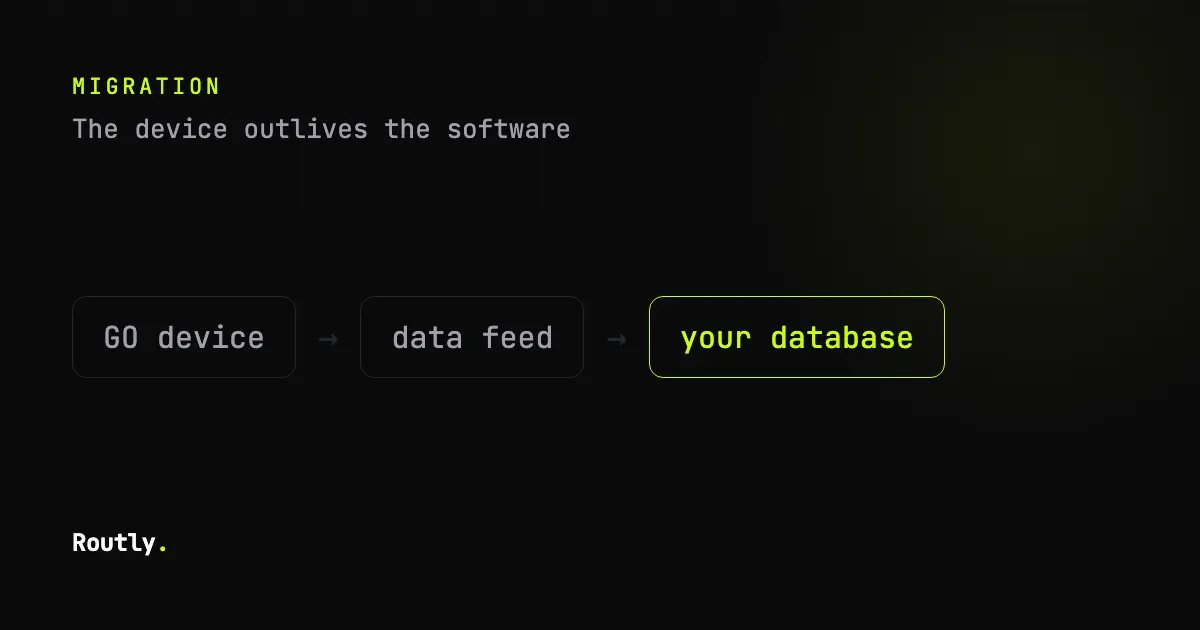
Geotab is built differently in both directions. MyGeotab accepts data from third-party devices alongside GO devices, and — the part that matters here — the GO device can be used without MyGeotab, with its telematics data going into software of your choosing.
So the largest line item in a normal migration may simply not exist. Before assuming it does, get the answer in writing for your specific GO model and firmware, because “supported” covers a range from a documented feed to a conversation with an integrations team.
The API is not the obstacle either
Geotab publishes MyGeotab APIs for telematics data, MyAdmin for device administration, and a Data Feed API designed for exactly this shape of work: pulling everything, continuously, into somewhere else. There is even a reference adapter that writes the feed into a database on your side.
Practically, that means an export is a scripted job rather than a month of CSV downloads, and it means you can run the feed in parallel with your existing setup for as long as you like. Nothing about starting commits you to finishing.
Pull the usual list: trips and positions, engine data and fault codes, drivers and their assignments, exceptions with the rules that produced them, and the configuration — zones, groups, rule definitions, and the report subscriptions somebody set up three years ago and everyone now depends on.
So what is actually hard
Finding out who holds the contract. Geotab sells through partners and resellers, and the account your fleet uses may belong to one. That single fact decides who can issue API credentials, who owns the database, what happens to your history when the reseller relationship ends, and whether “your data” in the contract means what you assume.
Ask three questions, in writing, and keep the answers:
- Is the MyGeotab database ours or the reseller’s?
- On termination, what happens to it — is it deleted, retained, or handed over, and in what format?
- Who can issue and revoke API credentials, and can we hold our own?
If the answers are comfortable, this migration is a weekend of scripting and a comparison period. If they are evasive, you have learned something more valuable than any feature comparison, and you have learned it while you still have access.
Rules and exceptions are not portable, even though the data is. Every platform defines harsh braking, idling and speeding differently — the thresholds, the debounce, what counts as a trip at all. The events will not line up, and the honest way to handle that is to run both for a few weeks and compare, rather than to expect a match and treat the difference as a bug.
Reports people depend on are invisible until they stop. Somebody receives a Monday email that a depot manager plans around. It is not in any export. Ask around before the cutover, not after the first Monday without it.
Run both, then decide
The whole argument for taking this slowly is that Geotab lets you. The feed can run into a second system while nothing changes for drivers, so a comparison period costs an afternoon of setup and no disruption at all.
Compare the numbers people argue about: distance per day, engine hours, idle time, and the start and end of two or three specific trips you can check against reality. Differences are normal — they are definitional, not faults — but you want to understand them before anyone builds a report on the new figures.
Then decide with evidence rather than a demo. If the numbers agree and the answers about account ownership were good, the remaining work is scheduling. If they did not agree, you found out on five vehicles.
If you are staying but want your own copy
Worth saying plainly: nothing above requires leaving. A Data Feed into your own database gives you a history that outlives the subscription, a place to run queries the platform does not offer, and an answer to the retention question that does not depend on a vendor’s roadmap.
Plenty of fleets do exactly that and stay for years. It also means that if you do leave later, the migration is already done.
Frequently asked
Can we keep the GO devices and change the software?
Often yes, which is what makes this different from most migrations. Confirm it for your models before you plan around it, and get the confirmation from whoever will be receiving the data rather than from a brochure.
Does pulling the feed breach anything?
The APIs are a documented product feature intended for integration. Using them is not a workaround. What is worth checking is your reseller agreement, which is a separate document from Geotab’s terms and is where surprises live.
How much history can we take?
Ask, in writing, before you plan around it. Retention differs by plan and by what the account was configured for, and it is easier to find out now than to discover a limit mid-export.
Where this leaves us
If your hardware is not locked in and your API is open, the honest position is that you have options — and several of them are not us. That is a better place to be than most fleets reading these posts.
Routly is one of those options: telemetry, trips, fuel, geofences and reports, on hardware you already own, with position history in a database you control. It is AGPL and self-hostable at no charge, which mostly matters because it means you can try it against your own data without a procurement conversation.
The live demo needs no sign-up. But if this post only convinces you to point a Data Feed at storage you control and otherwise change nothing, that is a good outcome and costs you an afternoon.